Shopping Cart

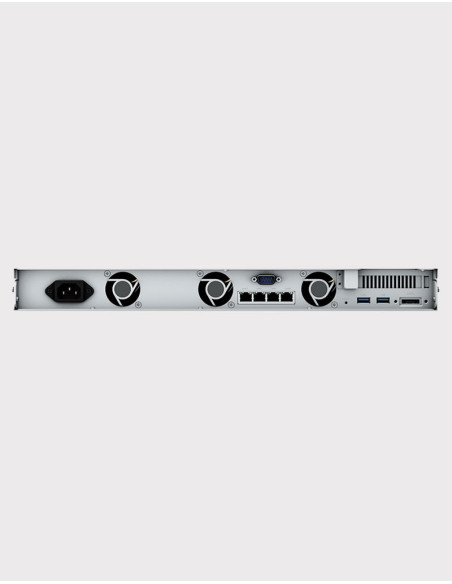
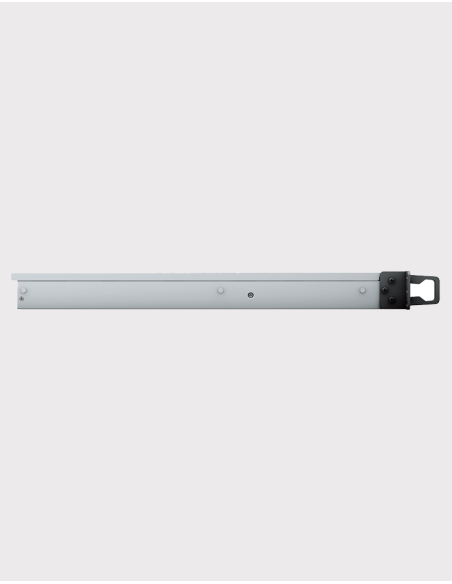
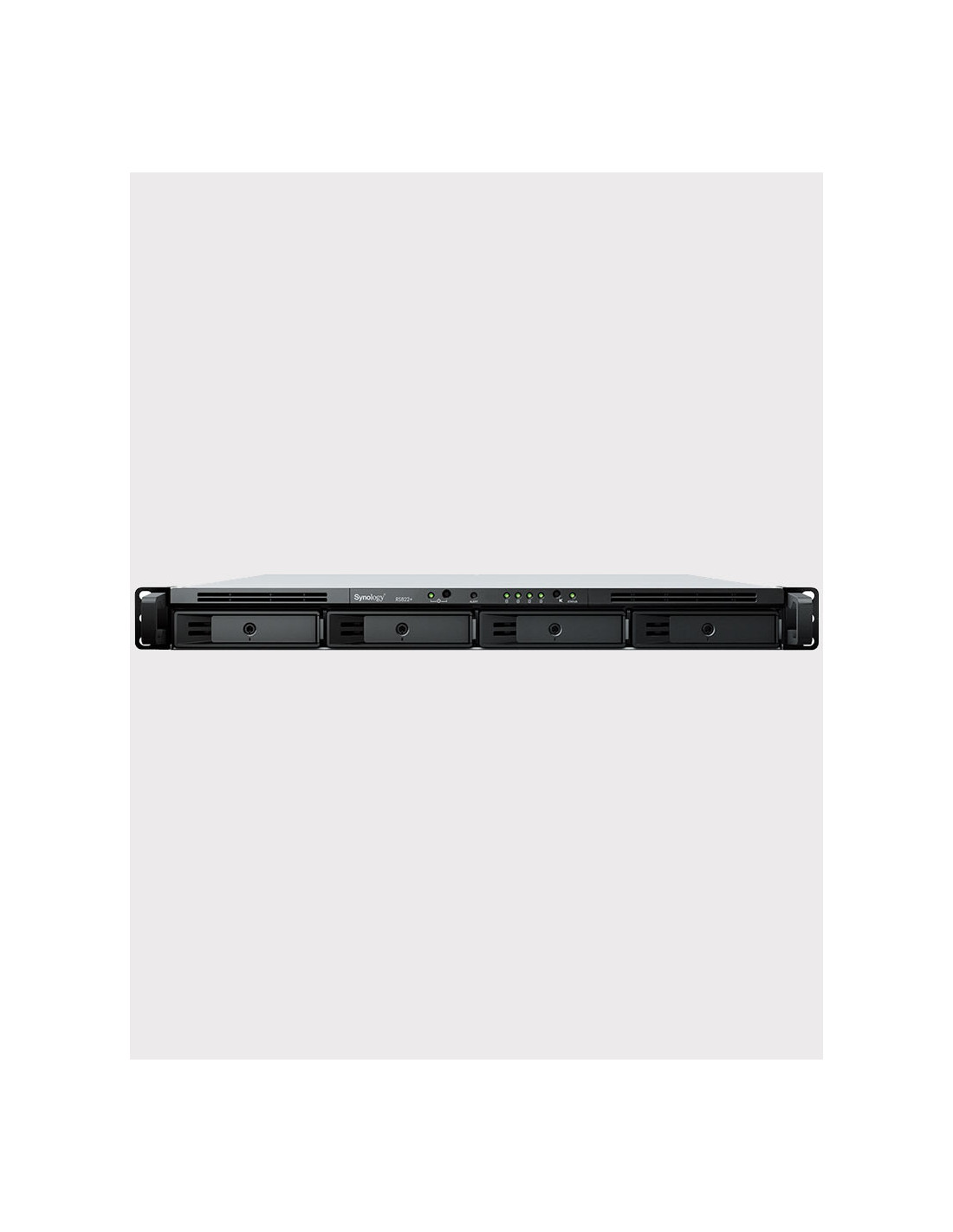
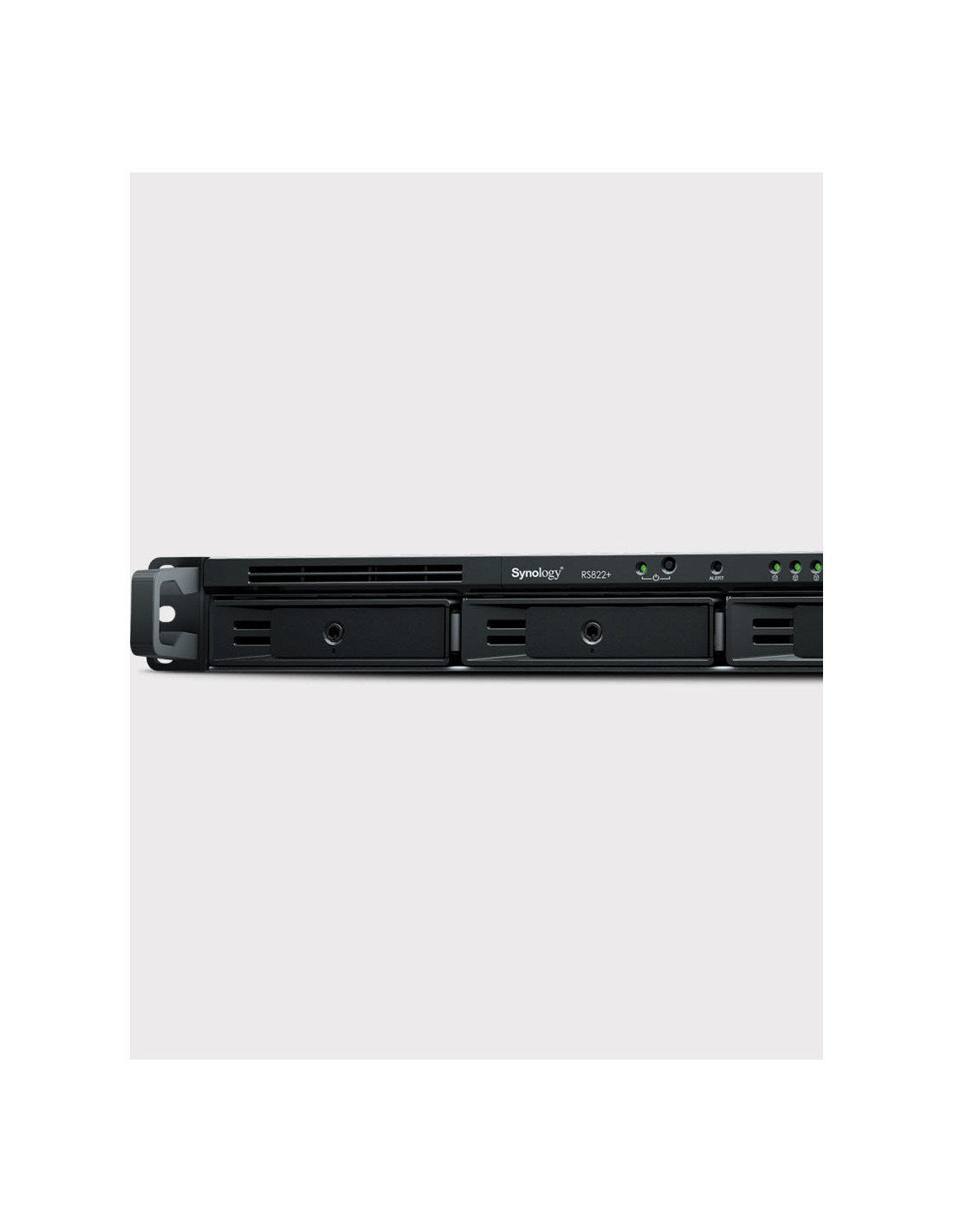
Synology RS822+ 2GB NAS Server Rack...
€2,136.00
Including €1.58 for ecotax
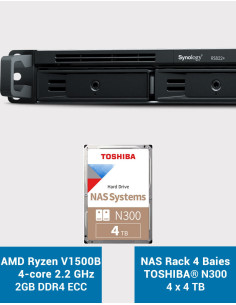
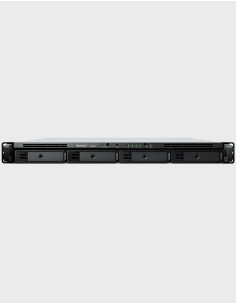
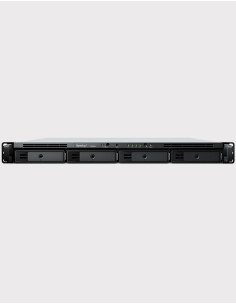
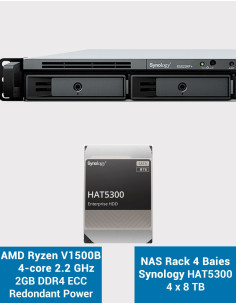
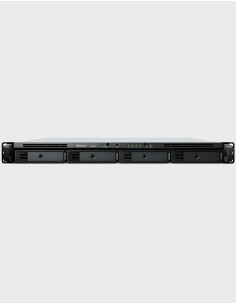
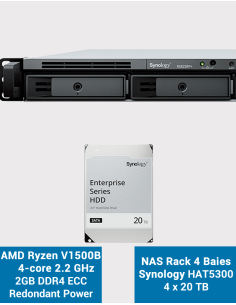
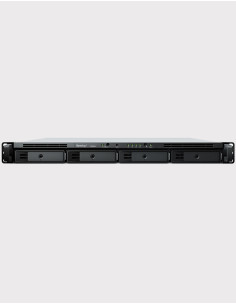
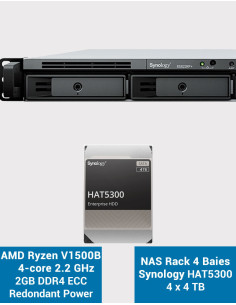
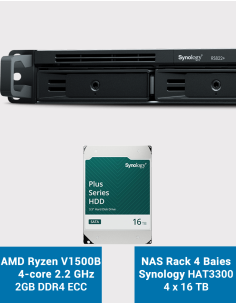
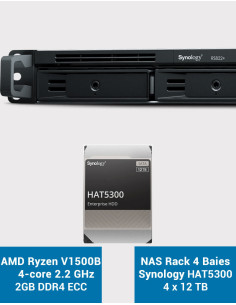
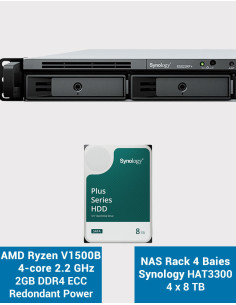
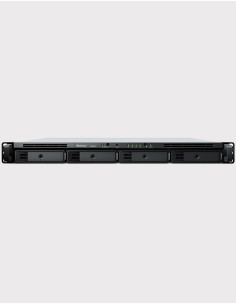
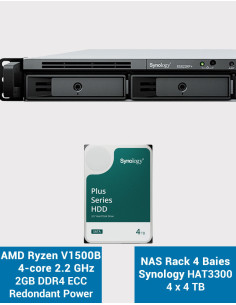
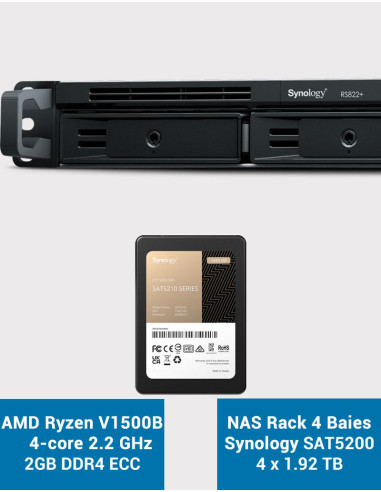
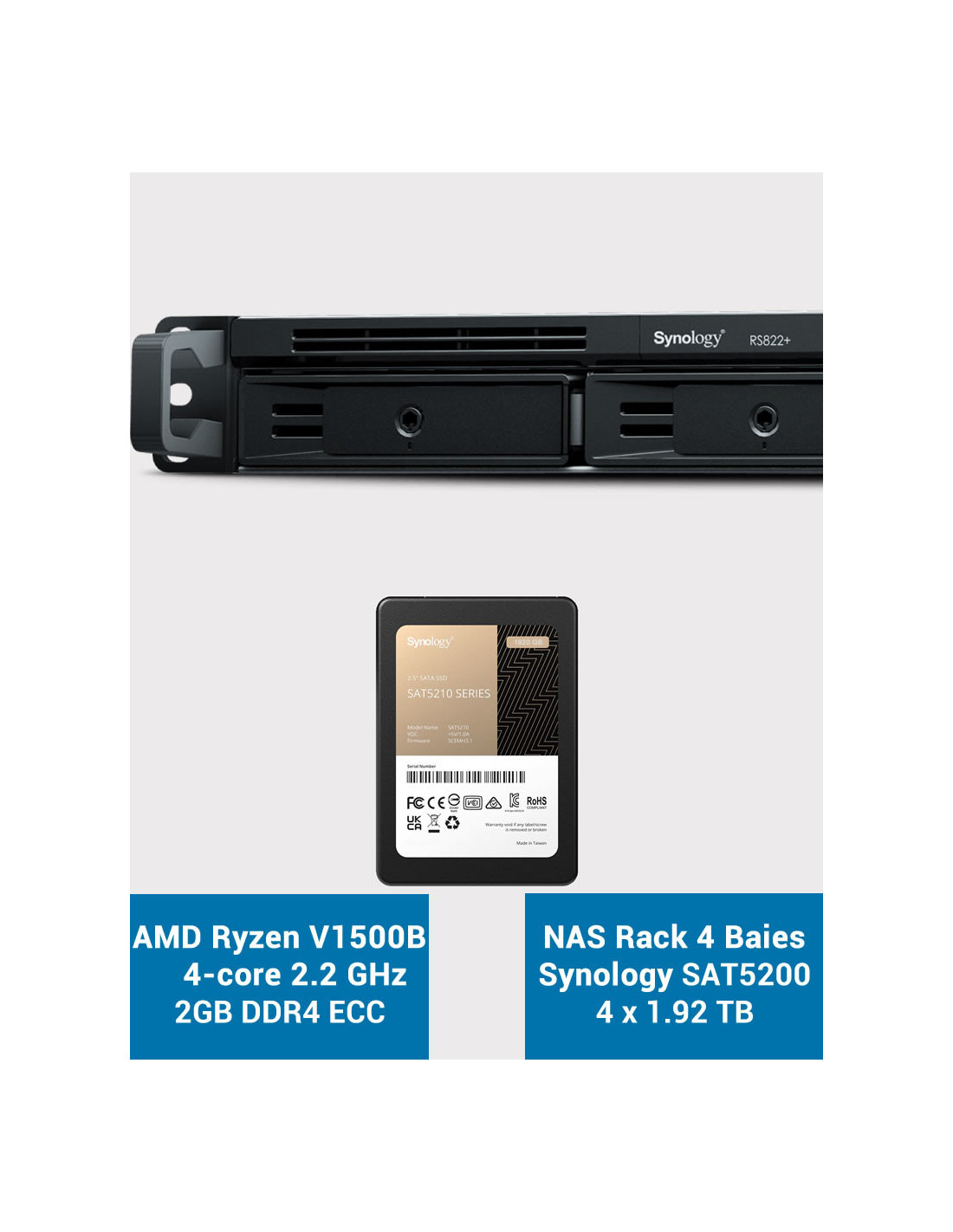
SYNOLOGY RackStation RS822+ 2GB 7.68TB Capacity
Synology SSD SAT5200 disks pre-installed and tested in the workshop. Ready to use!
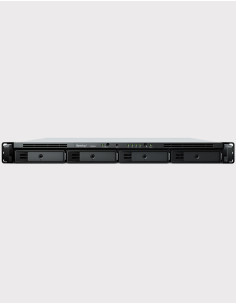
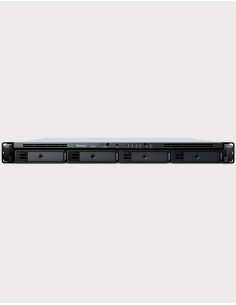
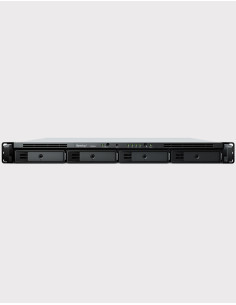
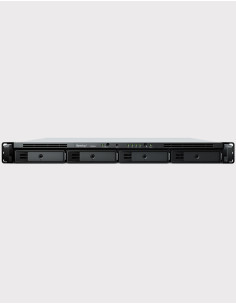
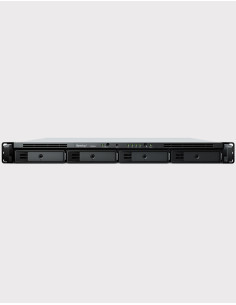
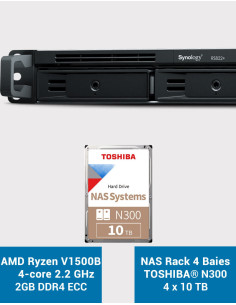
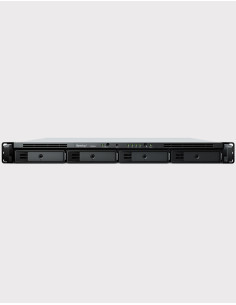
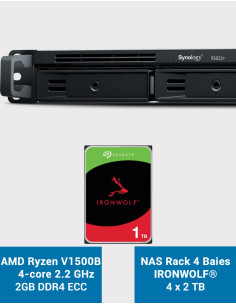
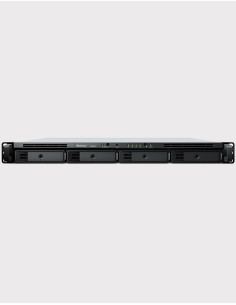
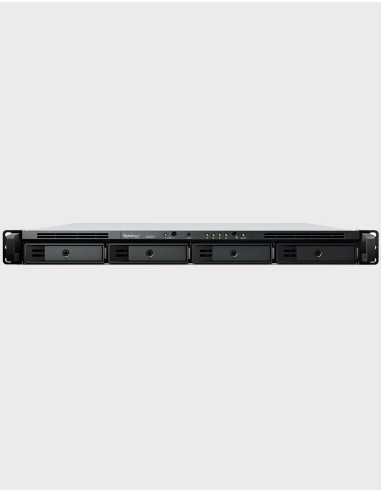
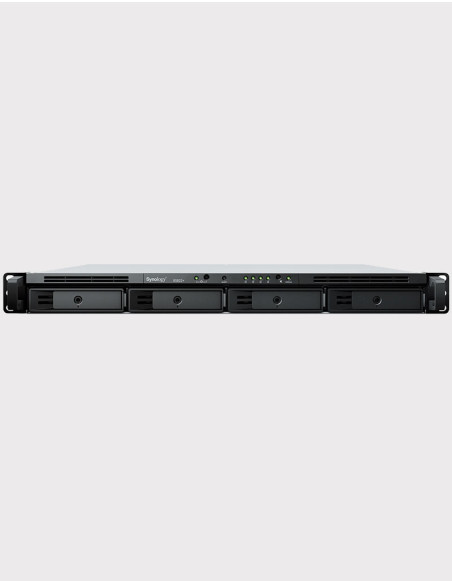
NAS Rack 1U 4-Bay - DDR4 ECC 2GB memory expandable to 32GB (2x16GB)
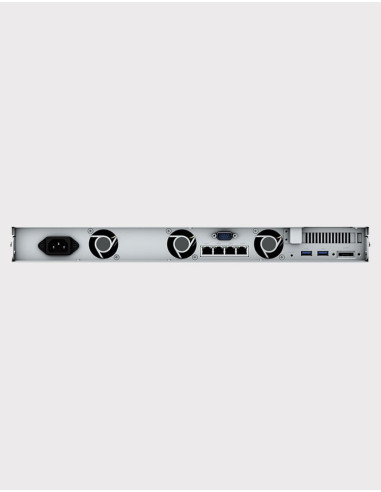
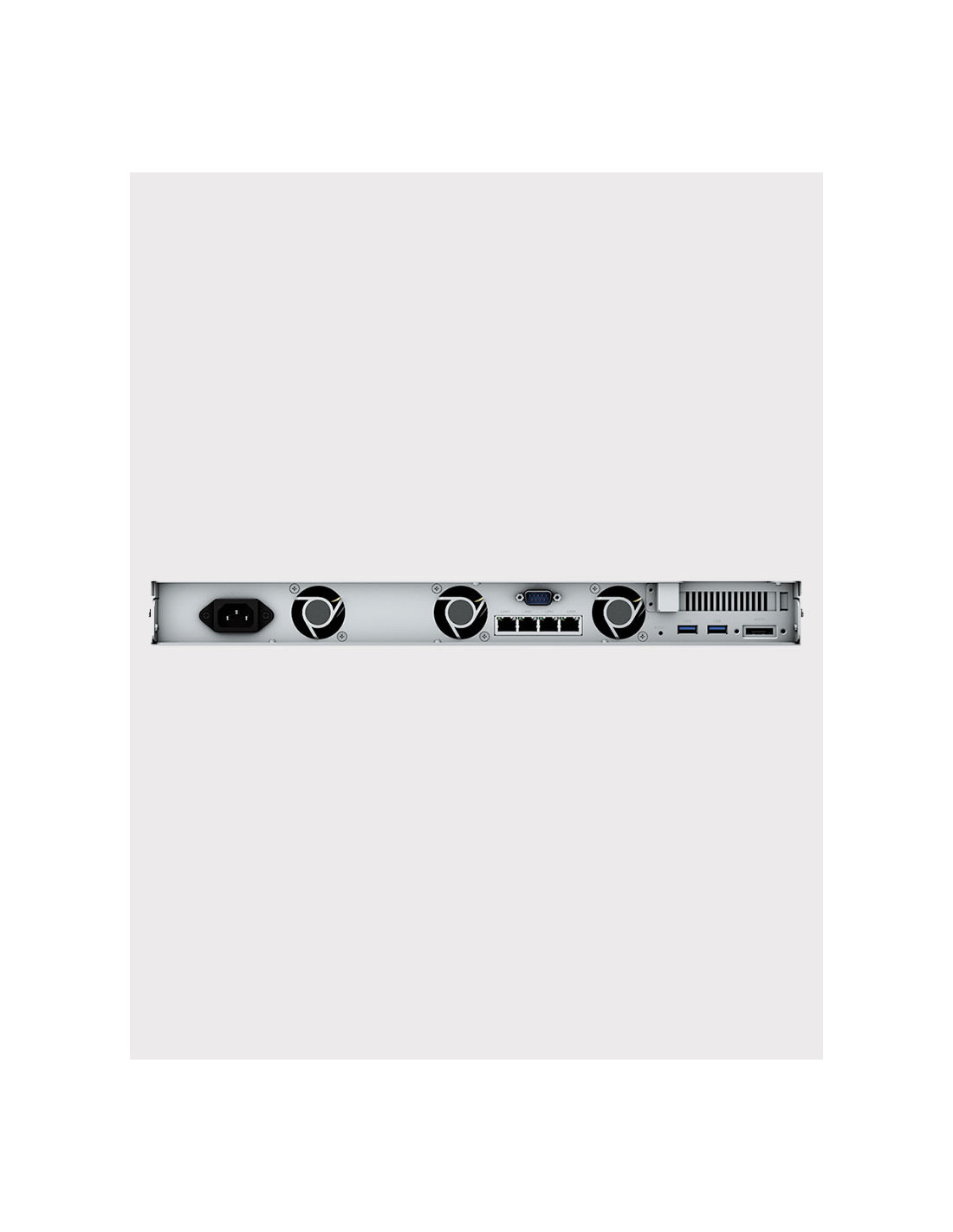
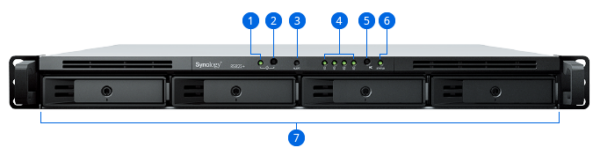
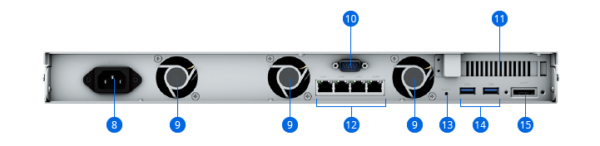
4 GbE Ports - PCIe 1xGen3 x8 expansion slot - 1 eSATA Port - 2 USB 3.2 Gen1 ports
SATA 6Gb/s 2.5" or 3.5" Disk - SSD Support - Internal Maximum Capacity 64TB
Product composition:
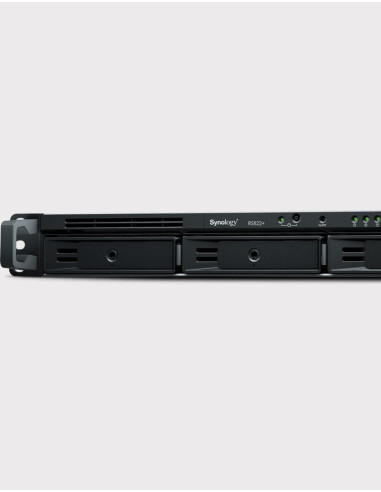
- RS822+ 2GB NAS Rack 1U 4 slots 3,5" and/or 2,5" (3-year manufacturer's warranty)
- 4 Synology SSD SAT5200 1920GB drives (5-year manufacturer's warranty)
You might also like

Reliable data management for remote and branch offices
The compact 1U 4-bay Synology RackStation RS822+/RS822RP+ with its storage and connectivity expandability coupled with the powerful Synology DiskStation Manager (DSM) operating system is an ideal edge storage solution for branch offices and small and medium-sized businesses.


Synology RackStation RS822+/RS822RP+ is a 4-bay rackmount NAS enclosed in a compact 1U chassis. Running the powerful Synology DiskStation Manager (DSM) operating system, it is ideal for data backup, sharing, and synchronization. It is therefore ideal for data backup, sharing and synchronization. Running the powerful Synology DiskStation Manager (DSM) operating system, it is ideal for data backup, sharing, and synchronization. Its small size, stable performance, and storage scalability makes it suitable for branch offices and small and medium-sized businesses with everincreasing data management needs.
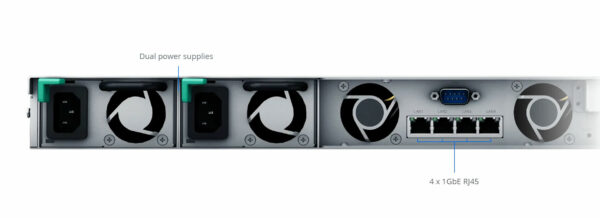
RS822+/RS822RP+ comes with four Gigabit RJ-45 ports which can be bonded with Link Aggregation to enable automatic network failover and load balancing.
Two RS822+/RS822RP+ units can be paired using Synology High Availability to form a reliable active/passive server cluster, maximizing service uptime.
Furthermore, the RS822RP+ features a redundant power supply for an extra edge in service continuity.
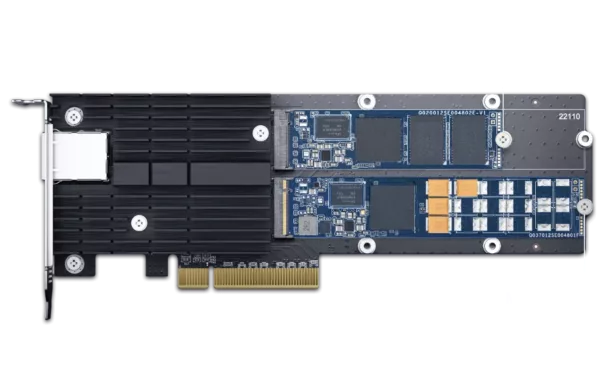
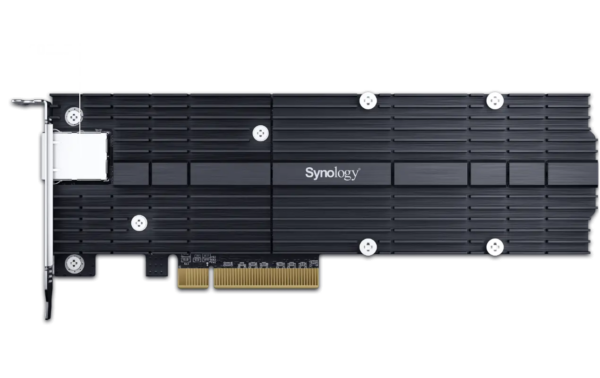
Easily adjust the RS822+/RS822RP+ to match your usage environment, whether it needs performance, faster networking, or higher storage capacity.
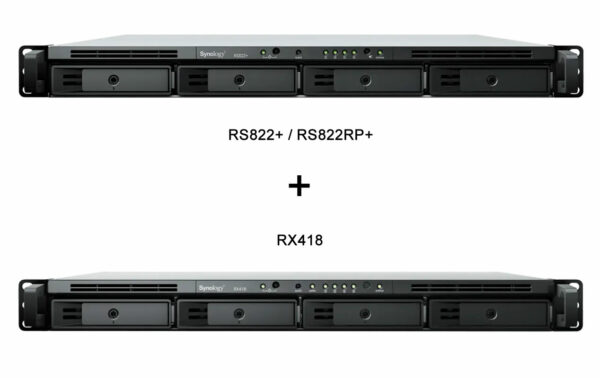
Storage expansion
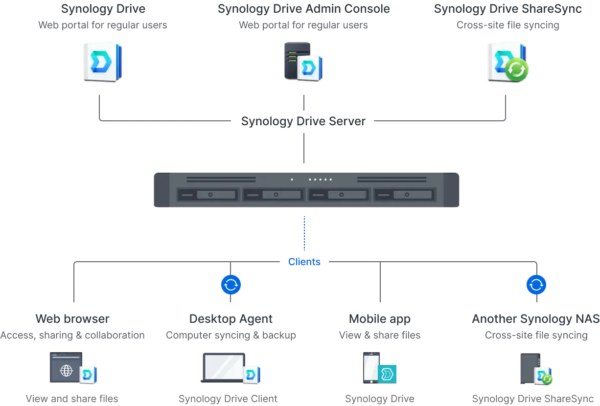
Provide secure and convenient multi-platform file access, sharing, and synchronization across different locations.
Synology Drive provides remote data access, synchronization, on-demand file restoration, and backup via handy desktop and mobile applications.
Access personal and shared data from mobile app, desktop client, web browser, or another Synology system: Any changes you make are automatically synced to other devices as soon as they are connected.
Integrate with Synology Office to enable concurrent editing on documents, spreadsheets, and slides, with support for conversion to and from Microsoft Word, Excel, PowerPoint, and OpenDocument files.
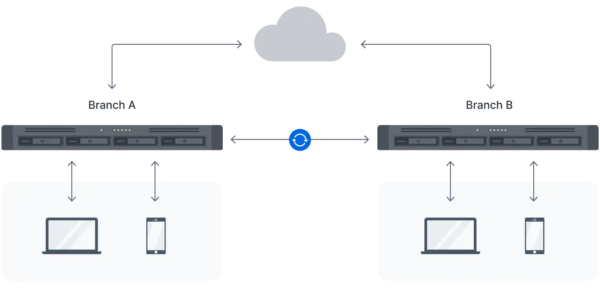
Utilize Hybrid Share to store large sets of data in the cloud, leveraging the powerful bandwidth of our data centers to stream requested files to local NAS deployed at the branch offices.
With Hybrid Share-enabled folders, remote teams retain full access to the most up-to-date files while benefiting from reduced local storage footprint and bandwidth usage.
Frequently accessed files are kept on the local NAS, allowing users to access them with LAN network speed. Files and folders can also be manually pinned to prevent them from being overwritten when the cache is full.

Design an effective backup strategy to maximize system availability with a host of native and license-free solutions.
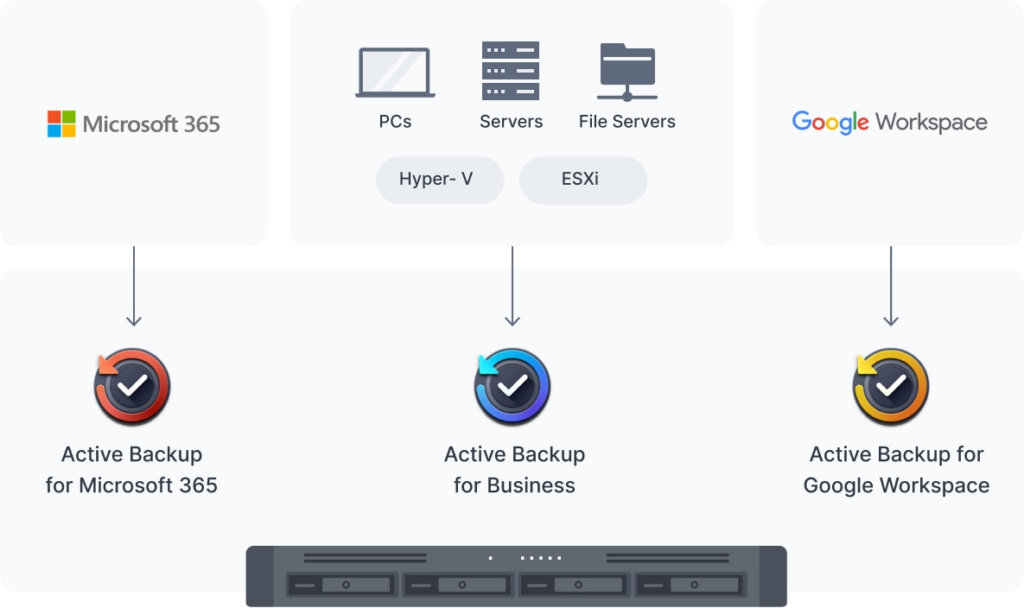
Securely back up Windows and Linux endpoints, Synology servers, and VMware® and Hyper-V® virtual machines with Active Backup for Business.
Centralize backups of Microsoft 365 and Google Workspace data to protect it from accidents and simplify compliance with data retention policies. Schedulable backups, flexible file versioning, and block-level deduplication ensure flexibility and savings in terms of storage and bandwidth consumption.
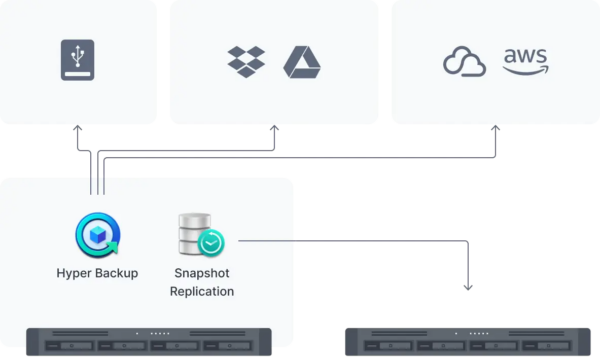
Back up files, LUNs, installed applications, and system configurations to destinations including Synology C2 Storage,2 public cloud platforms, USB devices, file servers, local folders, or other Synology systems.
Set and forget backup tasks with regular schedules, enhance security with fine-grained user permissions and encryption, keep backup sizes small with built-in deduplication, and restore data flexibly with multi-versioning.
Snapshot Replication enables configurable point-in-time snapshots of shared folders and VM storage with an RPO as low as 5 minutes and recovery within seconds.

Leverage flexible deployment options, intuitive management capabilities, and advanced video analytics to secure your premises.
Connect up to 40 IP cameras from a selection of over 8,300 validated models thanks to Synology Surveillance Station’s wide camera compatibility.
Monitor live streams or watch recordings from web browser, desktop client, or the DS cam mobile app.
Footage is stored locally for easier compliance with data protection regulations and further protected from unauthorized access with industry-standard AES-256 encryption.
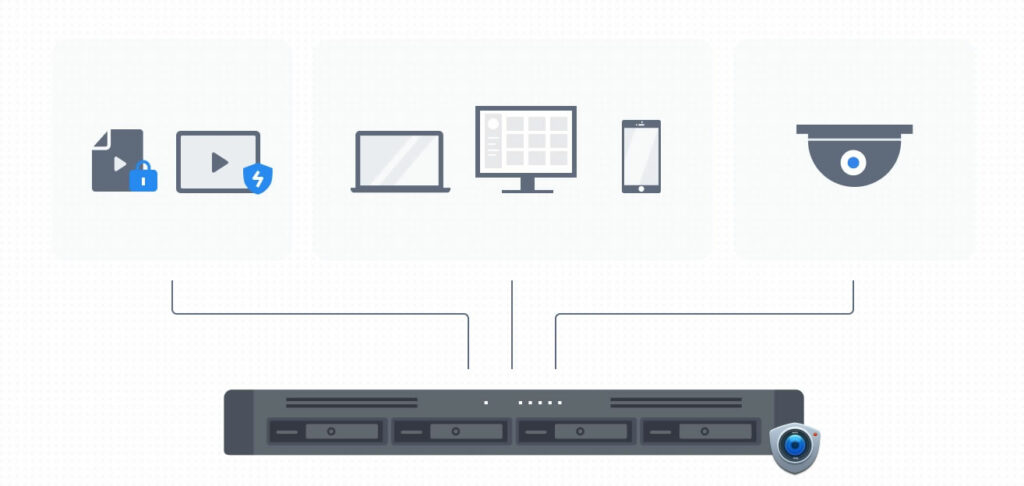
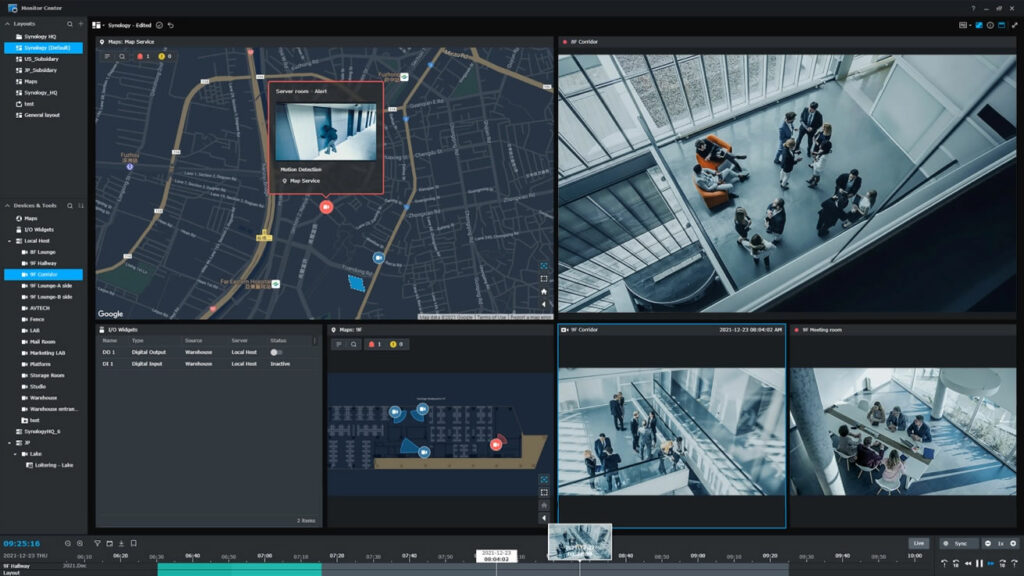
Automatically locate cameras within a set IP range, and configure units in batch by importing spreadsheets or by replicating settings to new cameras.
Stay on top of your deployment by previewing triggered events directly on multi-floor or even multi-location maps, with online map integration for Google Maps and OpenStreetMap.
Take advantage of intelligent monitoring features such as motion detection, no idle zone, foreign object detection, and anomaly detection to cater the most common surveillance scenarios.
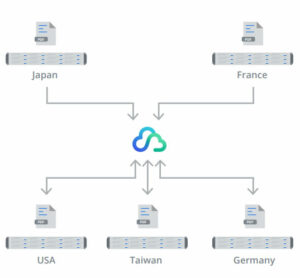
With Hybrid Share-enabled folders, remote teams retain full access to the most up-to-date files while benefiting from reduced local storage footprint and bandwidth usage.
A compact size, easy installation, and powerful remote management options make the RS822+/RS822RP+ suitable for deployment as an edge server to provide convenient and effective file access, sharing, and synchronization across multiple sites
• Wide network protocol support ensures seamless file sharing across Windows, Mac, and Linux platforms, while compatibility with Windows AD and LDAP enables easy integration into any existing network environment
• Hybrid Share combines reliable on-premises storage and efficient syncing of shared folders in the cloud to enable seamless cross-site synchronization and local file access at LAN speed
• Synology Drive is a private cloud file management solution that enables remote data access, synchronization, on-demand file restoration, and backup via handy desktop and mobile applications
• Cloud Sync keeps your Dropbox, Google Drive, Microsoft OneDrive, Baidu, and Box storage in sync with your Synology server
• Seamless file sharing capability is combined with a high level of security, including HTTPS support, a built-in firewall, and multiple IP and account intrusion auto-blocking mechanisms
You might also like